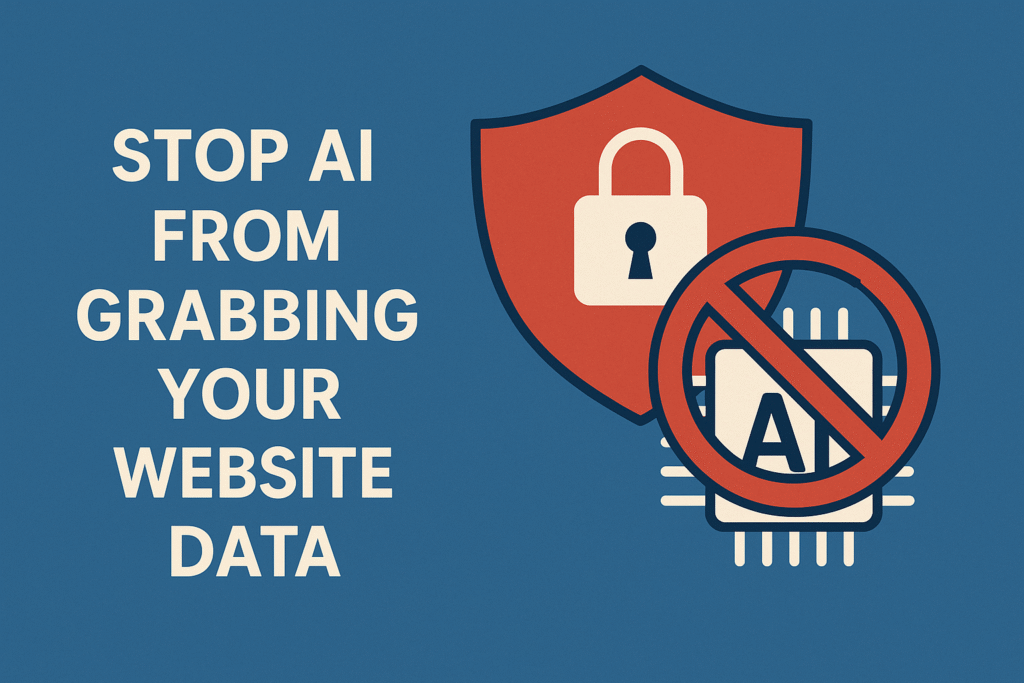
With the rise of artificial intelligence (AI) and automated data scrapers, website owners are increasingly concerned about how to protect their valuable content. AI models, including large language models, often rely on publicly available data to train and generate responses. If you’re a content creator, publisher, or business, preventing unauthorized data scraping is critical to maintaining control over your intellectual property and digital assets.
In this blog post, we’ll explore how AI scrapes website data, the risks involved, and practical steps to stop AI and bots from accessing your website content.
Why You Should Care About AI Scraping
AI data scraping can impact your website in several ways:
- Loss of original content: AI models might reuse or paraphrase your original content without attribution.
- Search engine ranking risks: If duplicated content appears elsewhere, it may hurt your SEO.
- Data misuse: Personal or business-sensitive information could be collected and misused.
- Server overload: Bots crawling your site aggressively can slow down performance or increase hosting costs.
How AI and Bots Access Your Website
AI systems and data scrapers typically collect data using:
- Web crawlers (similar to search engine bots)
- APIs or browser automation tools
- Open directories or sitemaps
- RSS feeds
- Search engine cached versions of your pages
How to Stop AI from Grabbing Your Website Data
1. Use the robots.txt File
The robots.txt file lets you control which bots can access certain parts of your site.
User-agent: GPTBot
Disallow: /

User-agent: CCBot
Disallow: /
Common AI bots you can block:
GPTBot(used by OpenAI)CCBot(used by Common Crawl)AnthropicBot(used by Claude AI)Google-Extended(used for AI training on Google’s side)
Note: This doesn’t guarantee protection, especially from unethical scrapers that ignore
robots.txt.
2. Block Bots with .htaccess or Firewall Rules
You can block unwanted crawlers and IP addresses at the server level using .htaccess:
RewriteEngine On
RewriteCond %{HTTP_USER_AGENT} GPTBot [NC,OR]
RewriteCond %{HTTP_USER_AGENT} CCBot [NC]
RewriteRule .* - [F,L]
Or use security plugins/firewalls like:
- Cloudflare (bot management)
- Wordfence (for WordPress)
- AWS WAF or CloudFront rules
3. Use CAPTCHA and Anti-Bot Scripts
To prevent automated scraping:
- Enable CAPTCHA for form submissions or content access
- Use JavaScript-based bot detection to verify user behavior
- Implement rate-limiting on API endpoints
4. Disable Right-Click, Copy, or Text Selection (Minor deterrent)
Though not foolproof, you can use JavaScript to reduce casual content theft.
document.addEventListener('contextmenu', event => event.preventDefault());
But remember: professional scrapers won’t rely on mouse interactions—they access HTML directly.
5. Monitor and Audit Access Logs
Check your server logs regularly to identify suspicious activity:
- Unusual user-agents or excessive crawling
- Unknown IP addresses
- Abnormal behavior patterns
Use tools like:
- Google Search Console (for known bots)
- AWStats or GoAccess
- Server-side analytics
6. Use Content Protection Services
Consider third-party tools like:
- Copyscape or Plagiarism Checker to detect copied content
- DMCA protection badges to discourage misuse
- Cloudflare Bot Management to protect large-scale sites
7. Legal Protection – Terms of Use and DMCA
- Add clear Terms of Service banning data scraping and AI training use.
- Issue DMCA takedown notices if your content is reused without permission.
- Mention explicitly that your content cannot be used to train AI.
While it’s nearly impossible to guarantee 100% protection from AI scraping, combining technical defenses, legal frameworks, and content monitoring can help significantly reduce unauthorized access and misuse.
The internet thrives on open access, but your intellectual property deserves protection. Stay updated, stay secure, and always audit your website for suspicious activity.